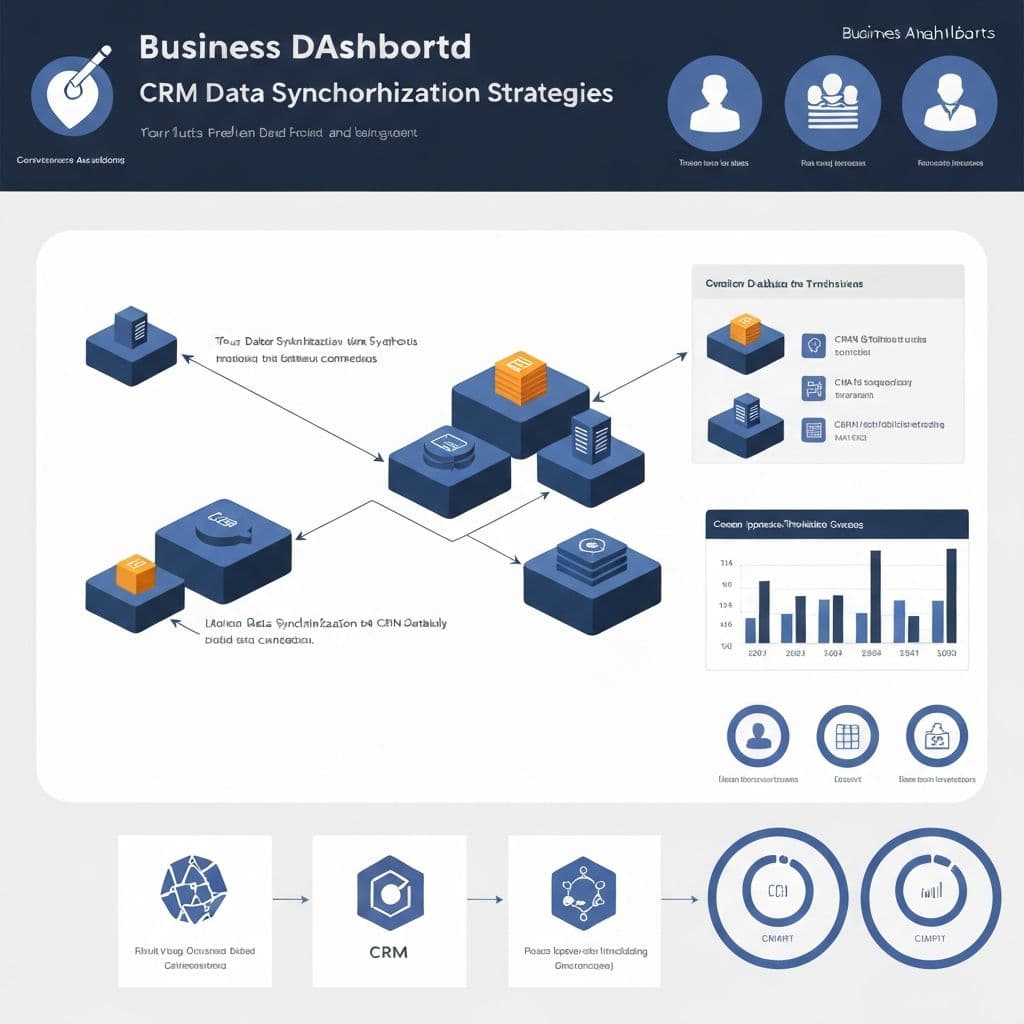
Step-by-step instructions for integrating your AI phone system with popular CRMs.
Unlock CRM Power with FORAI �����
Your AI receptionist can do more than just answer calls. By syncing with your CRM, it becomes a powerful tool for lead management, customer data enrichment, and streamlined follow-ups.
Key CRM Integration Benefits
Popular CRM Integrations
Integration Process Overview ⚙️
Step 1: Navigate to Integrations
In your FORAI dashboard, find the 'Integrations' or 'App Marketplace' section.
Step 2: Select Your CRM
Choose your CRM from the list of supported platforms.
Step 3: Authenticate
Follow the on-screen instructions to connect FORAI to your CRM account. This usually involves logging into your CRM and granting permission.
Step 4: Map Fields & Actions
Configure which data fields should sync (e.g., caller name, number, call reason) and what actions should trigger (e.g., create a new lead, update an existing contact, log a call activity).
Step 5: Test & Go Live
Perform test calls to ensure data is syncing correctly. Once verified, activate the integration.
Pro Tip
For even more advanced automation, explore using tools like Zapier or Make to connect FORAI with thousands of other applications, creating custom workflows.
🎯 Key Takeaways
- • Seamless CRM integration is key to efficiency
- • Automated data entry saves time and reduces errors
- • Start with your primary CRM and expand from there