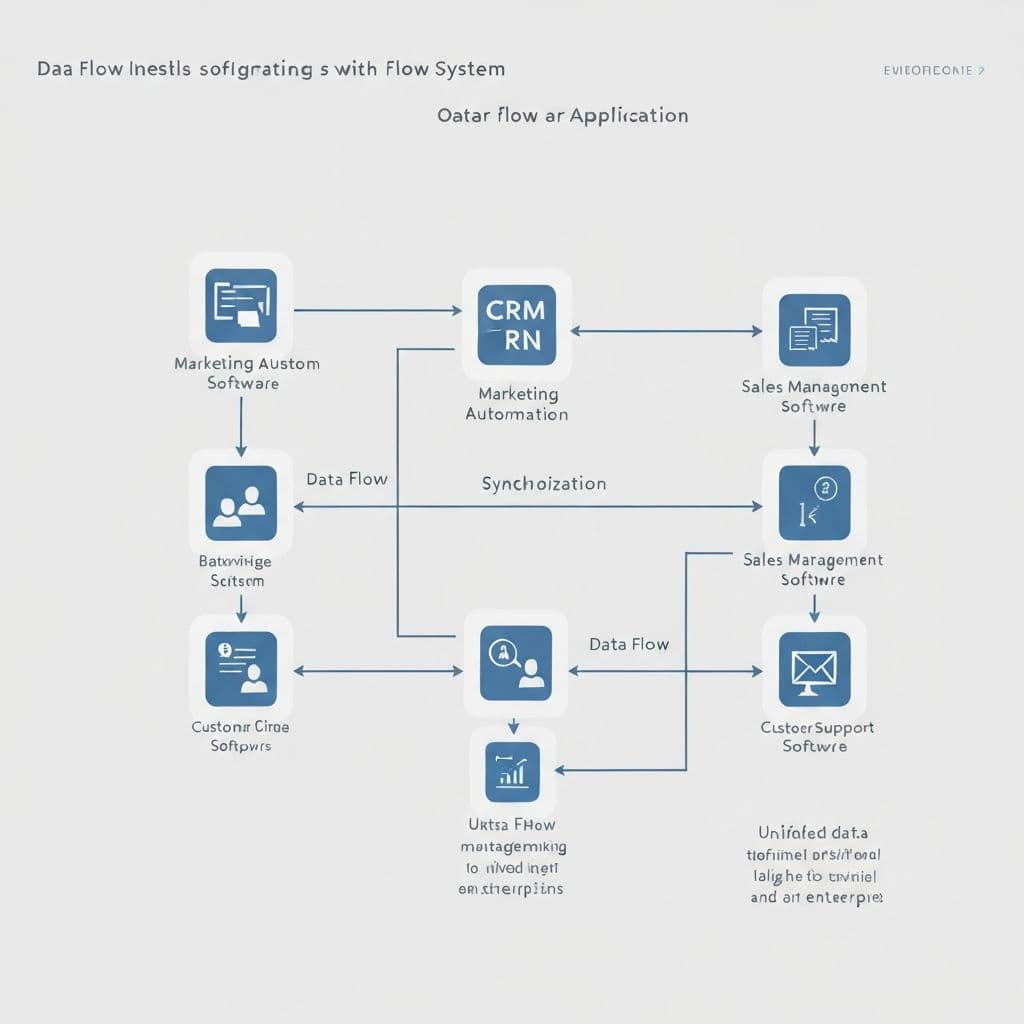
Step-by-step instructions for integrating your AI phone system with popular CRMs.
Seamless Scheduling with FORAI 🗓️
Your AI receptionist shouldn't be a standalone tool. By integrating with your existing calendar systems, FORAI can proactively check availability, avoid double-bookings, and streamline your appointment setting process.
Supported Calendar Integrations
Step-by-Step Integration Guide 📝
Step 1: Access Integrations
Navigate to the 'Integrations' section in your FORAI dashboard.
Step 2: Select Your Calendar
Choose your primary calendar provider (e.g., Google Calendar, Outlook Calendar).
Step 3: Authorize Access
Follow the prompts to securely authorize FORAI to access your calendar. This typically involves a simple login and permission granting process.
Step 4: Configure Rules
Define how FORAI should interact with your calendar:
- Set available booking slots.
- Specify appointment duration.
- Choose which calendar events should block availability.
- Configure buffer times between appointments.
Step 5: Test & Activate
Make a test call to your FORAI number and book a pretend appointment to ensure everything works as expected. Activate the integration.
Unlock Peak Efficiency 🚀
Pro Tip
For advanced workflows, consider using Zapier to connect FORAI with hundreds of other apps, further automating your business processes.
🎯 Key Takeaways
- • Automated scheduling saves hours of administrative time
- • Eliminate double-bookings and no-shows
- • Provide 24/7 booking convenience for your customers